Secure Single Sign-On and Digital Identity Protection
A modern Identity-as-a-Service (IDaaS) solution designed to centralize access to SaaS applications and corporate resources in a cloud model.
Identity360 is an advanced platform that addresses the challenges of modern, distributed work environments where the use of multiple business applications has become the norm. For employees, this often means having to remember numerous passwords, leading to “password fatigue” and a reduced security level. The system eliminates this problem by offering a Single Sign-On (SSO) service, which provides instant access to all tools with a single click. The system not only simplifies work for users but, more importantly, gives administrators a tool to enforce consistent security policies, such as Multi-Factor Authentication (MFA) and conditional access, protecting the organization from unauthorized access and data theft in a cloud-first world.
End-users can log in to all key business applications from a single, intuitive launchpad.
Utilizes secure authentication protocols, such as SAML 2.0 and OIDC, ensuring the highest standard of transmission protection.
Detailed monitoring of every login and access attempt, allowing for instant detection of user behavior anomalies.
Access to clear summaries providing real-time information on who has current permissions to which resources.
Features
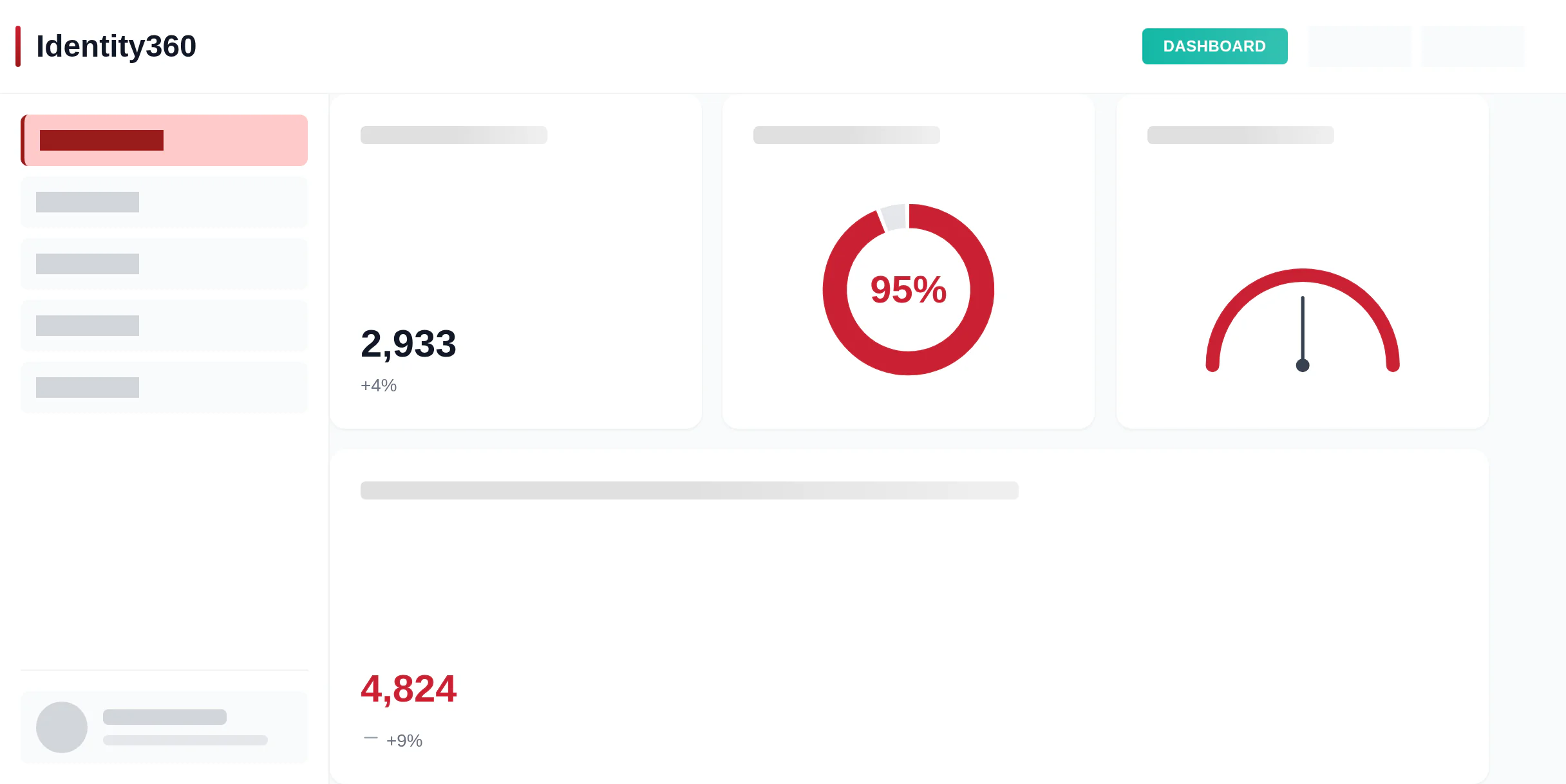
Intuitive Dashboard and User-Friendly Interface
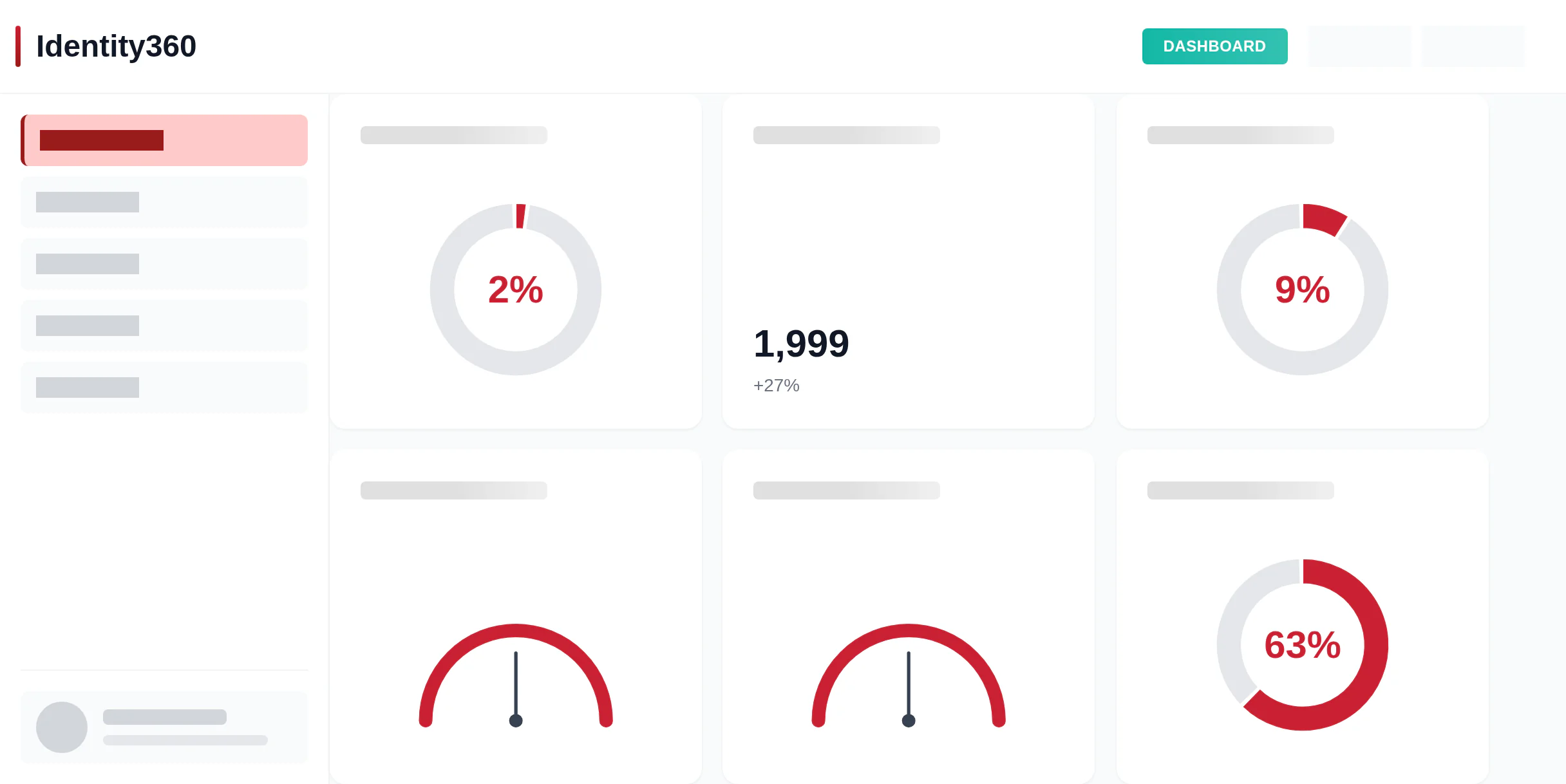
The administrative panel and user portal are designed for maximum ease of use, making the system user-friendly for every employee, regardless of technical proficiency. The interface enables efficient navigation and quick access to necessary business applications. For management and administrators, the dashboard includes interactive visual elements, such as pie charts and trend graphics, allowing for instant interpretation of the identity security status across the organization without the need to analyze raw logs.
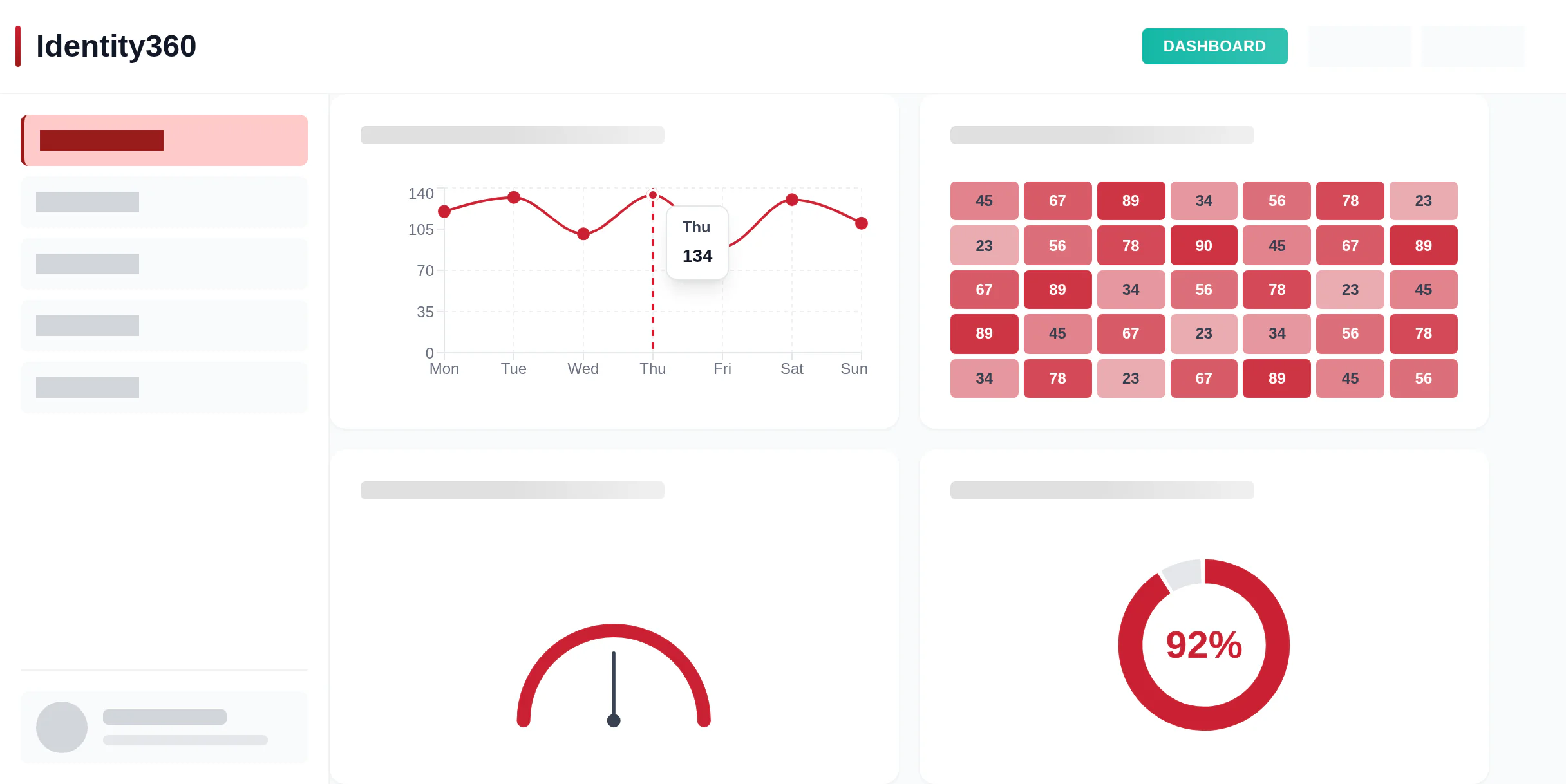
Advanced Security Analysis and Threat Monitoring
This functionality allows IT administrators to conduct detailed oversight of digital identities, including identifying potential security vulnerabilities. The system automatically generates reports on irregular login attempts, critical permission changes, and any suspicious activities that deviate from a user’s standard profile. The platform also allows for the creation of fully customized reports, tailored to the specific auditing needs of the organization, enabling focus on data crucial for intellectual property protection.
Single Sign-On (SSO) and Easy Cloud Integration
Identity360 is compatible with a wide range of popular SaaS applications and cloud services, facilitating integration with a company’s existing IT ecosystem. By supporting SAML 2.0 and OAuth/OpenID Connect standards, the tool allows for central management of access to platforms such as Microsoft 365, Google Workspace, Salesforce, and Slack. This integration enables the implementation of uniform authentication policies across the organization, regardless of where the application is physically located, significantly simplifying employee onboarding and offboarding processes.
Multi-Factor Authentication (MFA) and Conditional Access
To ensure maximum protection against account takeover, the system offers extensive MFA mechanisms that can be required when logging into particularly sensitive applications. Identity360 supports various verification methods, including push notifications, time-based codes (TOTP), and biometrics. A key element is the conditional access policy, which allows the system to automatically make access decisions based on context, such as the user’s geographical location, IP address, or the type of device from which the login attempt is made.
Automated Provisioning and Identity Synchronization
The system allows for automatic creation and updating of user accounts in target applications (User Provisioning) based on changes made in the central directory. Thus, when a new employee is added to the system, Identity360 automatically creates accounts for them in assigned business applications, granting appropriate licenses and permissions. If an employee leaves, the system immediately blocks access to all integrated services, eliminating the risk of leaving active accounts that could become targets for attack.

- Testimonials
What our clients say
Join hundreds of companies from various industries that have achieved significant improvements thanks to ManageEngine solutions.
IT Support Section Manager
SWPS University
Bartosz Banach
ManageEngine addresses the needs of administrators, comprehensively supplementing functionalities missing in Windows Server tools.
Maciej Harasimczuk
Technical Department Manager, INTRATEL
Jarek Jabłoński
The implementation of OpManager significantly accelerated the detection, diagnosis, and resolution of failures and service unavailability.
Robert Dźwigulski
Director IT Infrastructure, PKO Ubezpieczenia
Mateusz Mazur
Bartosz Sobolewski
IT Infrastructure Management Manager, Oney
Marcin Wendrychowicz
Konrad Krzyżewski
Marek Klimaszewski
Related Products
ADAudit Plus
The system enables simultaneous auditing of multiple domains across different controllers, delivering complete information on logins, user management, and changes to groups and organizational units (OUs). Administrators gain insight into GPO policy modifications, DNS server settings, and LAPS password auditing. This ensures that every change in the permission structure, even the smallest one, is recorded and ready for immediate verification in the administrative panel.
ADAudit Plus provides detailed control over file access, recording every attempt to open, modify, copy, or delete files. The system also monitors print servers, external storage device (USB) usage, and tracks PowerShell script execution on endpoints. This enables effective detection of data leaks and monitoring of privileged user activities directly on their workstations.
The software enables configuration of advanced alerts based on threshold values. The system analyzes event frequency, criticality, and user context, allowing it to distinguish routine activities from real attacks. This ensures administrators are not overwhelmed with irrelevant messages—they receive a signal only when the situation genuinely requires intervention.
To ensure instant response to critical events, the system offers multi-channel notifications via email, SMS, or automatic ticket creation in the service desk system. Additionally, ADAudit Plus allows automatic execution of remediation scripts in response to specific alerts, e.g., immediately locking an account of a user who started mass-deleting files from the server, enabling the attack to be stopped in a fraction of a second.
The tool features an extensive library of out-of-the-box reports that answer the most common auditor questions and regulatory requirements. Administrators can also easily create custom, personalized reports with clear charts and dynamic data ranges. These reports facilitate quick assessment of the organization’s security posture and are ready for presentation without additional graphic processing.
The system features an advanced log archiving mechanism that compresses older records in a secure repository. This solution enables storage of historical data for many years, essential for maintaining regulatory compliance, without the need to invest excessively in expensive disk space. Administrators have constant access to archived data, enabling analysis of incidents that occurred in the past.
The application includes a built-in backup module that protects the Active Directory structure from the effects of failures or erroneous changes. This function enables protection of all domain resources, including group memberships, hierarchies, and user attributes. When needed, the system allows precise restoration of a specific object or an entire domain branch, minimizing downtime.
ADManager Plus
The system enables mass operations, such as creating users, changing permissions, or managing policies, without switching between multiple tools. Using a single console, administrators can manage computers, groups, contacts, as well as OUs and file servers. This approach allows for full control over the lifecycle of objects in the domain, ensuring order in the organizational structure.
The software offers a wide range of built-in report templates that allow for instant verification of domain configuration correctness. Administrators can easily generate reports on inactive users, expired passwords, or empty groups, among others. Regularly reviewing this data helps maintain a high level of security and hygiene in the Active Directory environment.
The platform simplifies the process of granting and revoking permissions to folders and network shares. An administrator can change permissions for a single person or an entire group in seconds, using clear inheritance and permission reset options. This function allows for quick restoration of order in resource access with a single click, significantly enhancing file data security.
The system allows for the creation of advanced templates that automatically populate data fields based on defined dependencies. This minimizes the effort required to onboard a new employee, as most attributes are filled in automatically. Using templates ensures that every account in the organization is configured according to the adopted standard, eliminating the probability of error.
ADManager Plus enables secure inclusion of HR department employees in administrative processes by providing them with dedicated forms. An HR employee can fill in the data of a new hire, and the built-in automation will assign appropriate permissions and groups according to their position. The administrator’s role is limited to final approval of the completed request, which shortens task completion time.
The application has a built-in backup module that protects the Active Directory structure from failures or erroneous changes. This feature allows for securing all domain resources, including group memberships, hierarchy, and user attributes. If necessary, the system enables precise restoration of a specific object or an entire domain branch, minimizing downtime for the organization.
ADSelfService Plus
The system allows for enforcing additional identity verification during login to computers, business applications, and the self-service portal itself. ADSelfService Plus supports a wide range of authentication methods, including email and SMS codes, Google and Microsoft Authenticator apps, Yubikey, biometrics, and FIDO2 and SAML standards. This flexibility allows companies to choose the security method best suited to the needs of different employee groups.
We can precisely define rules based on which a user gains access to system functions. Conditional access allows for restricting permissions based on geolocation, IP address, device type, or specific working hours. This creates a secure environment where sensitive operations, such as password changes, can only be performed from trusted networks or during secure VPN sessions.
This solution effectively eliminates the problem of forgotten passwords, which generates a significant portion of IT department maintenance costs. Users, using a browser or mobile application, go through a short verification procedure, after which their password is automatically reset in Active Directory. Such a process takes only a few seconds and requires no administrator intervention, significantly increasing workflow fluidity across the entire company.
The system allows for defining custom password requirements that go beyond basic Active Directory options. We can mandate specific characters, prohibit the use of dictionary names, or enforce more frequent credential changes for high-privilege accounts. Intuitive reports continuously inform administrators about the level of password compliance with company policy and user activity regarding MFA methods.
ADSelfService Plus enables the delegation of simple administrative tasks directly to users. With administrator consent, employees can independently update non-critical information in their profile, such as phone number, home address, or surname after a change in marital status. Each such change is immediately synchronized with Active Directory, ensuring that the company’s address book and databases are always up-to-date without involving the IT team.
Related Services
No results found.
No results found.